
I was recently asked how I did the first part of the Genealogy Do-Over challenge, organizing.
I spent a couple of weeks and a little money to make my life easier. As a researcher who also suffers from A.D.D. it is essential in my world to keep lists, notes, messages and other points of reminders to keep on target. Sometimes it works, most times it does not.
I have tried before to organize but after a few weeks, I lose it. Thomas MacEntee calls the things that get me every time BSO or Bright and Shiny Objects, the things that distract our attention from the details and focus of our research. My life is full of BSO and though I am usually good at keeping track of websites I want to recall, emails with offers I want to use, articles I want to read, etc., I do find myself getting lost in the allure of new information, always in the back of my mind….maybe it will fell the brick wall!
Here is what I accomplished in the beginning.
- Create new Folders in my External Hard Drive Ensure I place new found information in the correct folder as soon as recognized as needed to save, labeled too!
- Four main Folders.
- Blue-Father’s Paternal Line
- Red-Father’s Maternal Line
- Green-Mother’s Paternal Line
- Yellow-Mother’s Maternal Line
- Create and Color Code Surname Folders, within each of the above main folders so that all Male folders are Blue and Female are Red within the folders. I find the color makes it quicker to find the right folder.
- Create folders within each main line for items that need to be sorted and analysed before filing in family folders
- Four main Folders.
- Create Additional Information Folders with in each main folder, such as
- Folder for Mapping Resources
- Folder for Compiled Sources, i.e. newspapers, printed sources, periodicals, etc.
- Folder for Cemetery projects
- Create DNA Project Main Folder
- Create Other GEDCOMS & Family Files Received Folder
- Create Binders for each Grandparent in color codes as on computer.
- Create Folders in File Cabinet in color codes as on computer (note yellow not an easy color to see, so using orange). I have been using Smead Viewables for many years and find them great for being able to read the file folder label and has room for more information. Just waiting for supplies to use colors.
- Reorganized my Evernote research as well.
Still have about 7″ of papers needing to be filed for my Father’s line and images/documents to move on the computer. I purged a large trash bag of papers from the filing cabinet and that felt good. I even found a few notes that I really need to follow up on, information I found long ago and need to take another look at.
Now, as I am researching a particular branch I pull out the appropriate binder which has all the tools I need; note paper, forms, etc and can stay focused. I can take the binder with me wherever I go and have things easily available. I also have research spreadsheets, source extract forms, and other useful tools in the binders.
The trick here is actually using the system. Use the files created smartly, remember to document all printed materials with date, place, who, & other information, and use the out of direct eye site memo board for posting printed materials received, offers, notices, invitations, etc. and keep top of desk and other areas clean of paperwork so less distractions.
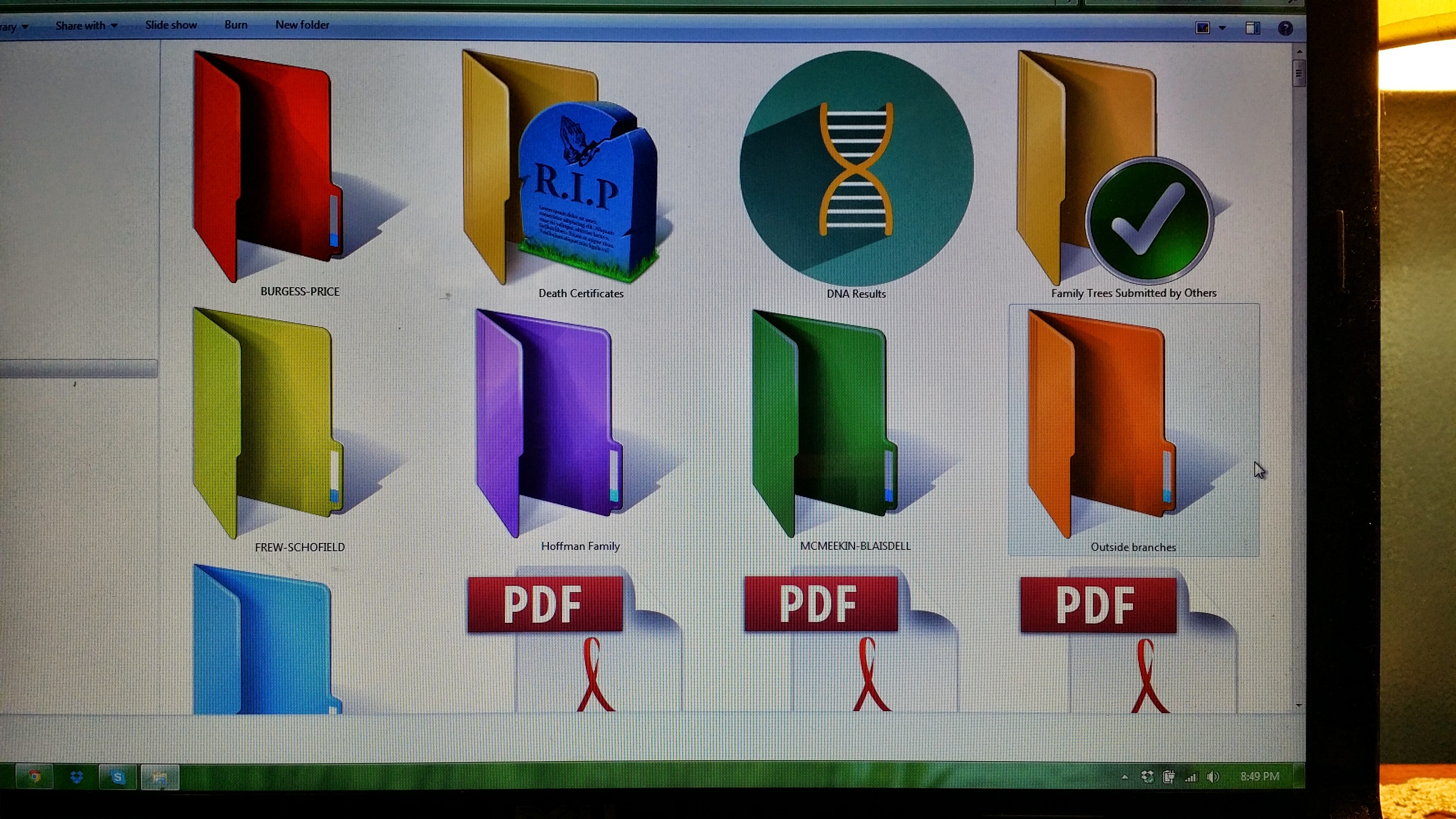
Main Folder File (more have been added since this photo)
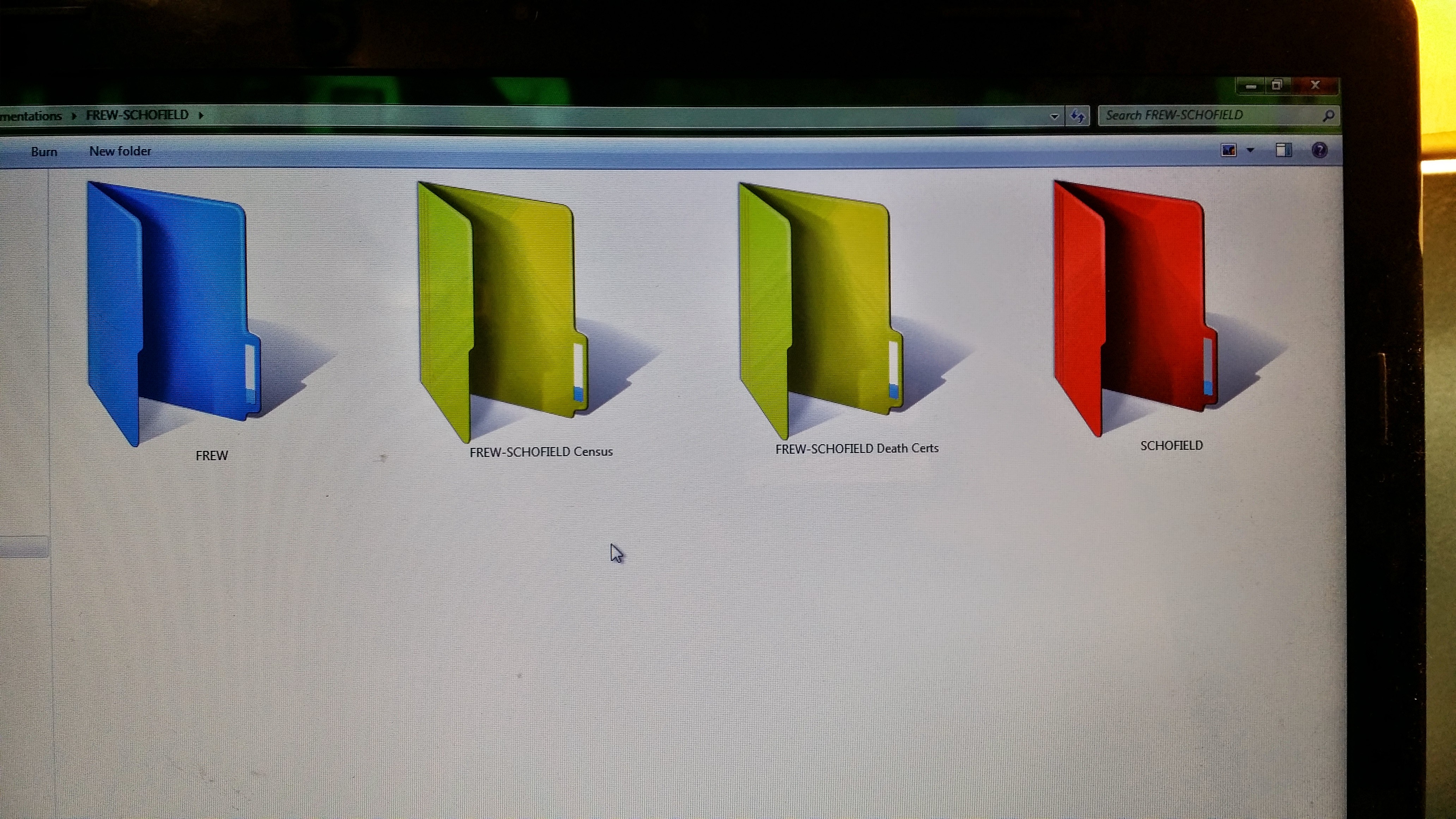
Mother’s Paternal File
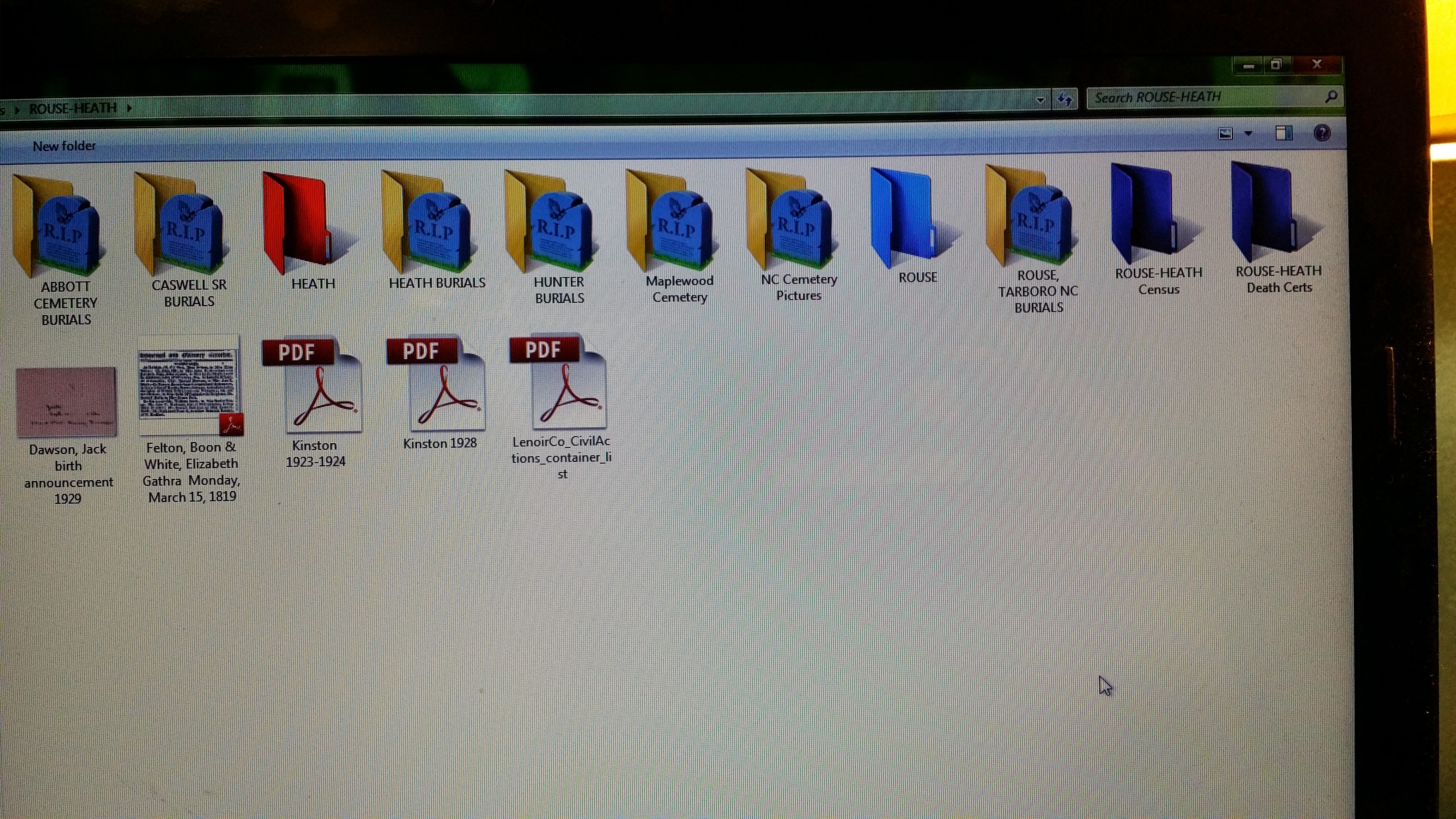
More detailed view. Father’s Maternal Line. Still working on other folders and transferring images and documents
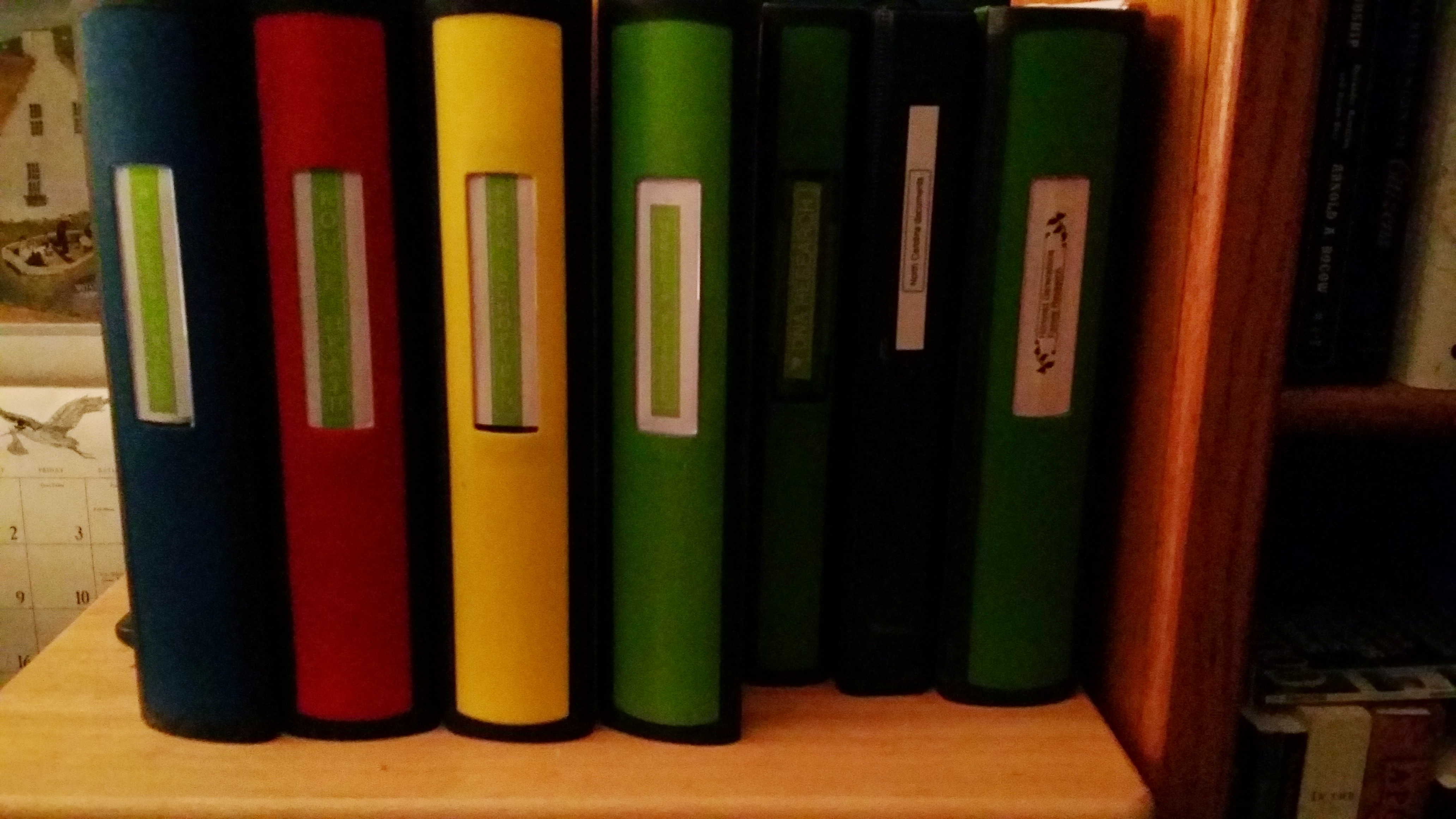
Binders

Outside of each binder has a Four Generation Chart. Quick reference
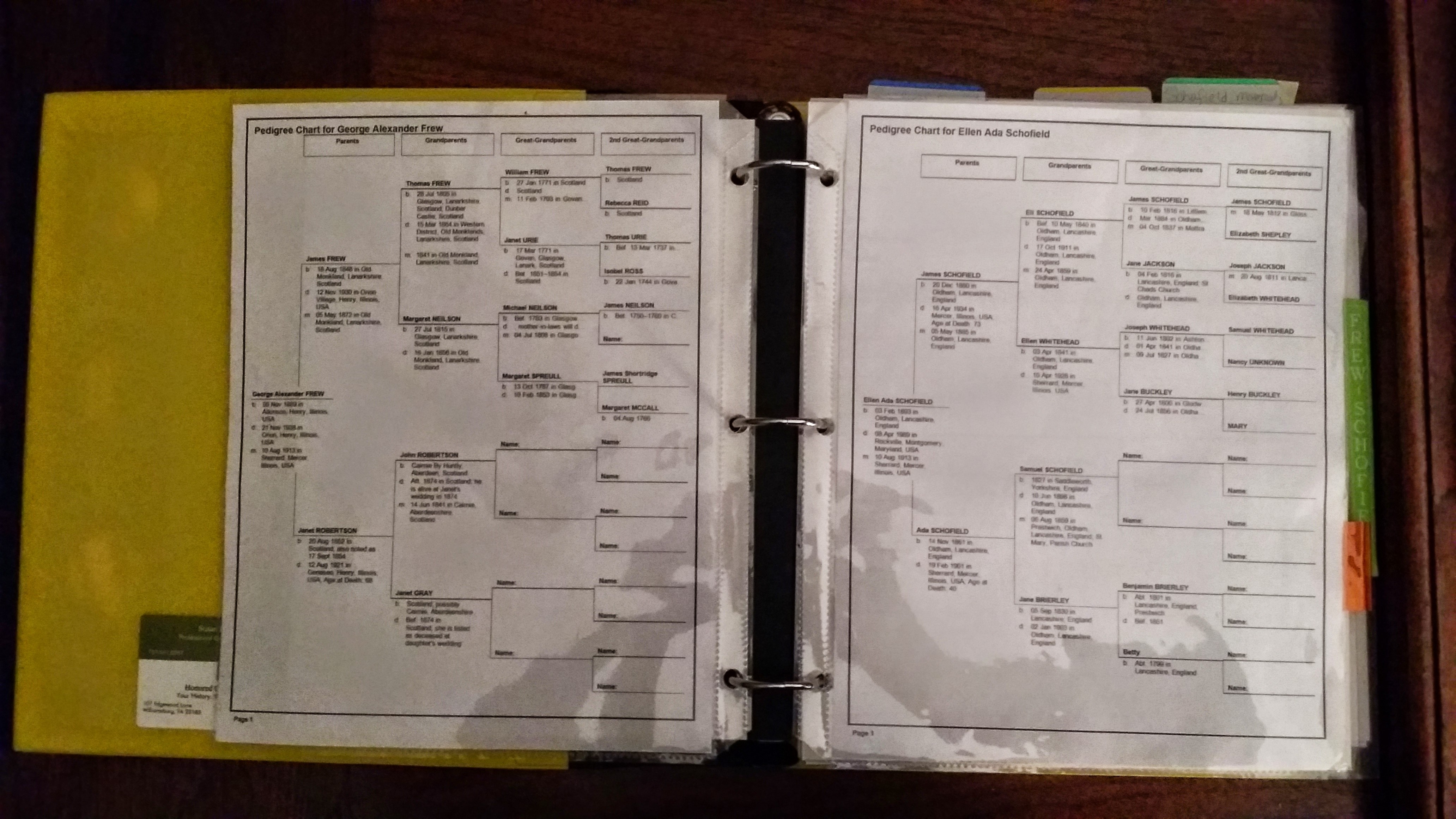
Inside-Left Paternal Line Quick Reference. Right Maternal Line Quick Reference
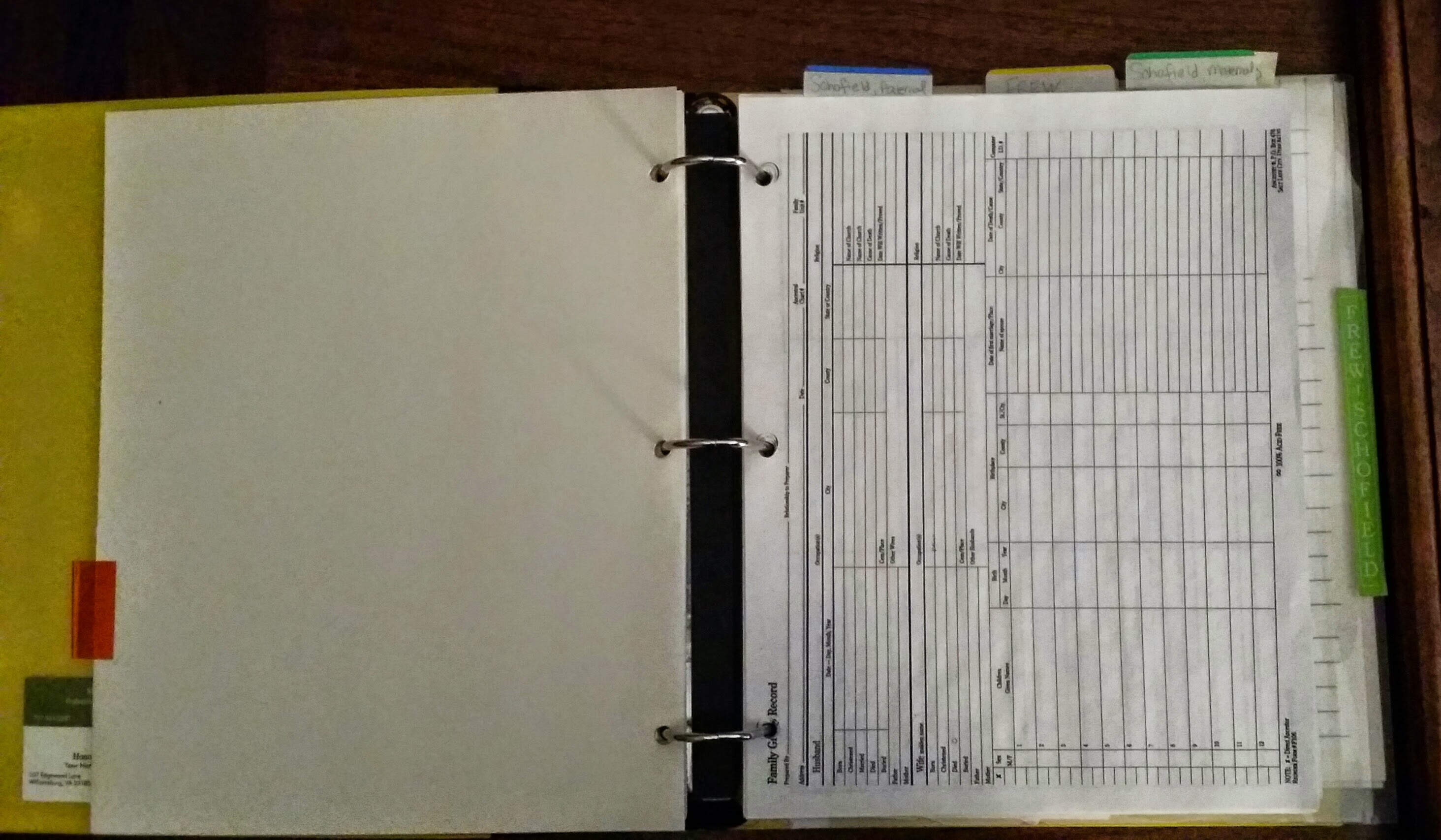
Family Group Sheets and currently being researched documents behind in sleeves
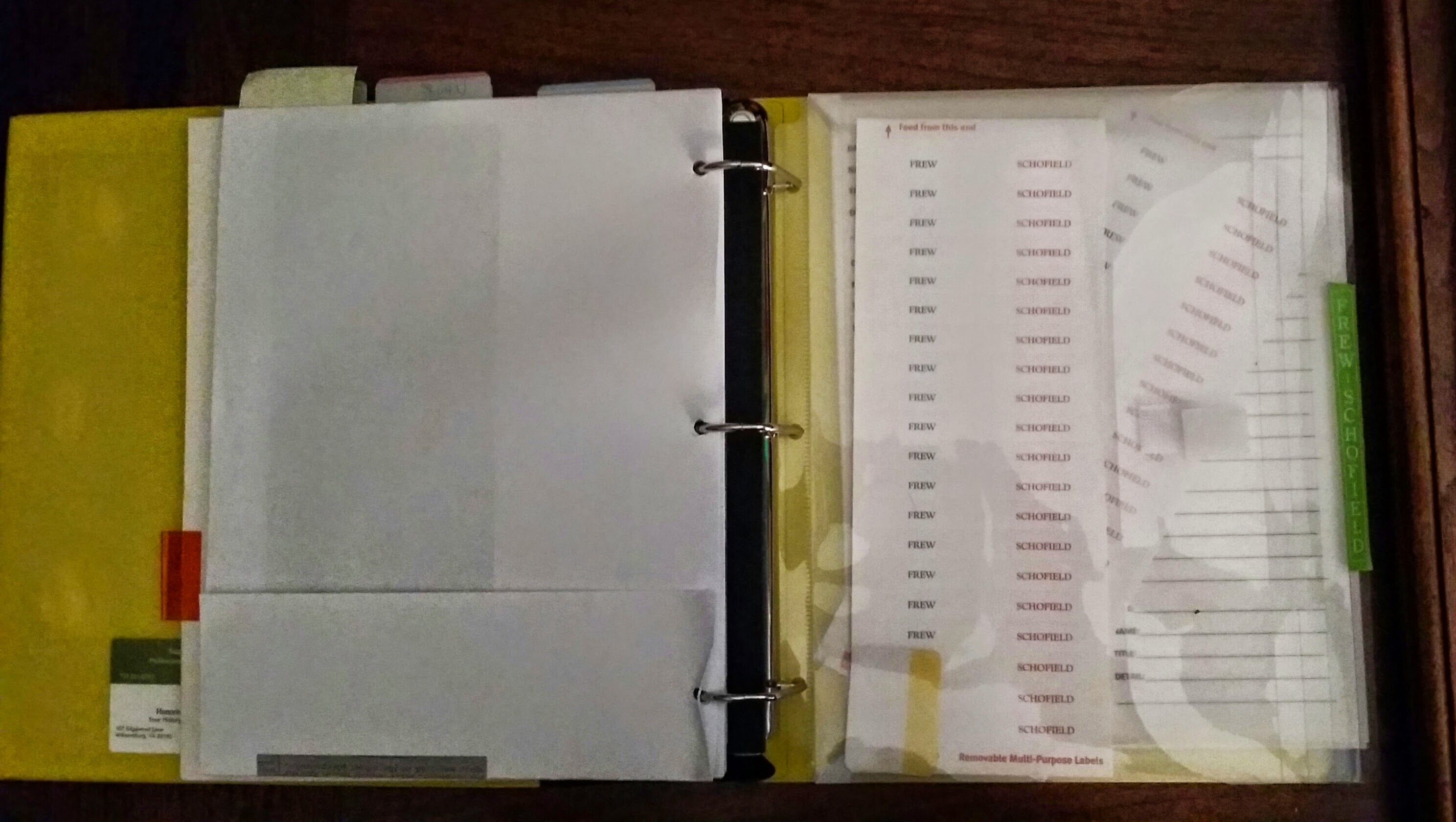
Removable stickers for identifying print outs, copies, etc. Surnames, citations, notes, etc. Also address labels
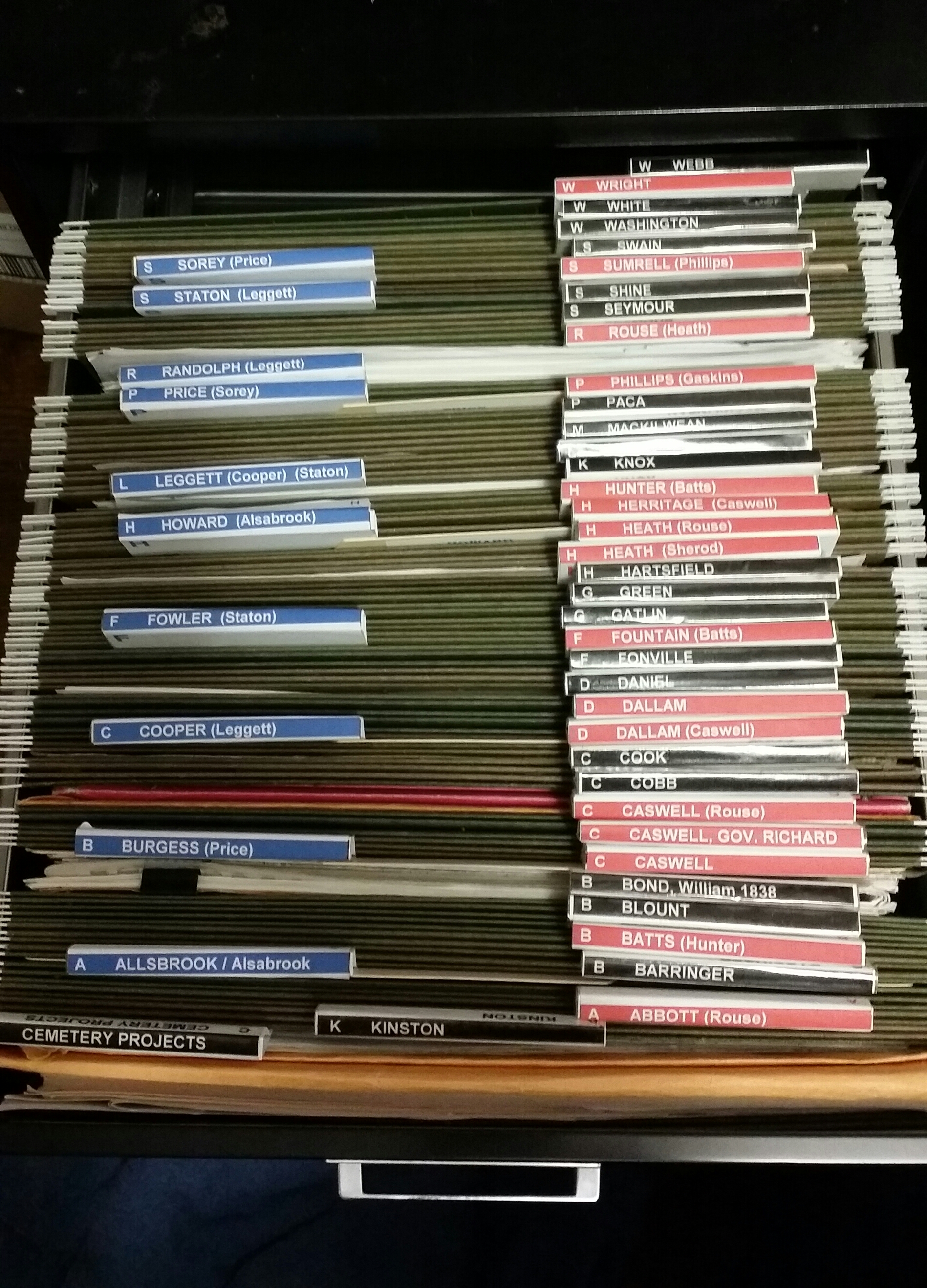
Father’s line. Maternal on left, Paternal on right. SURNAME (SPOUSE) Black labels are families that married into the family and are prominent in the history.
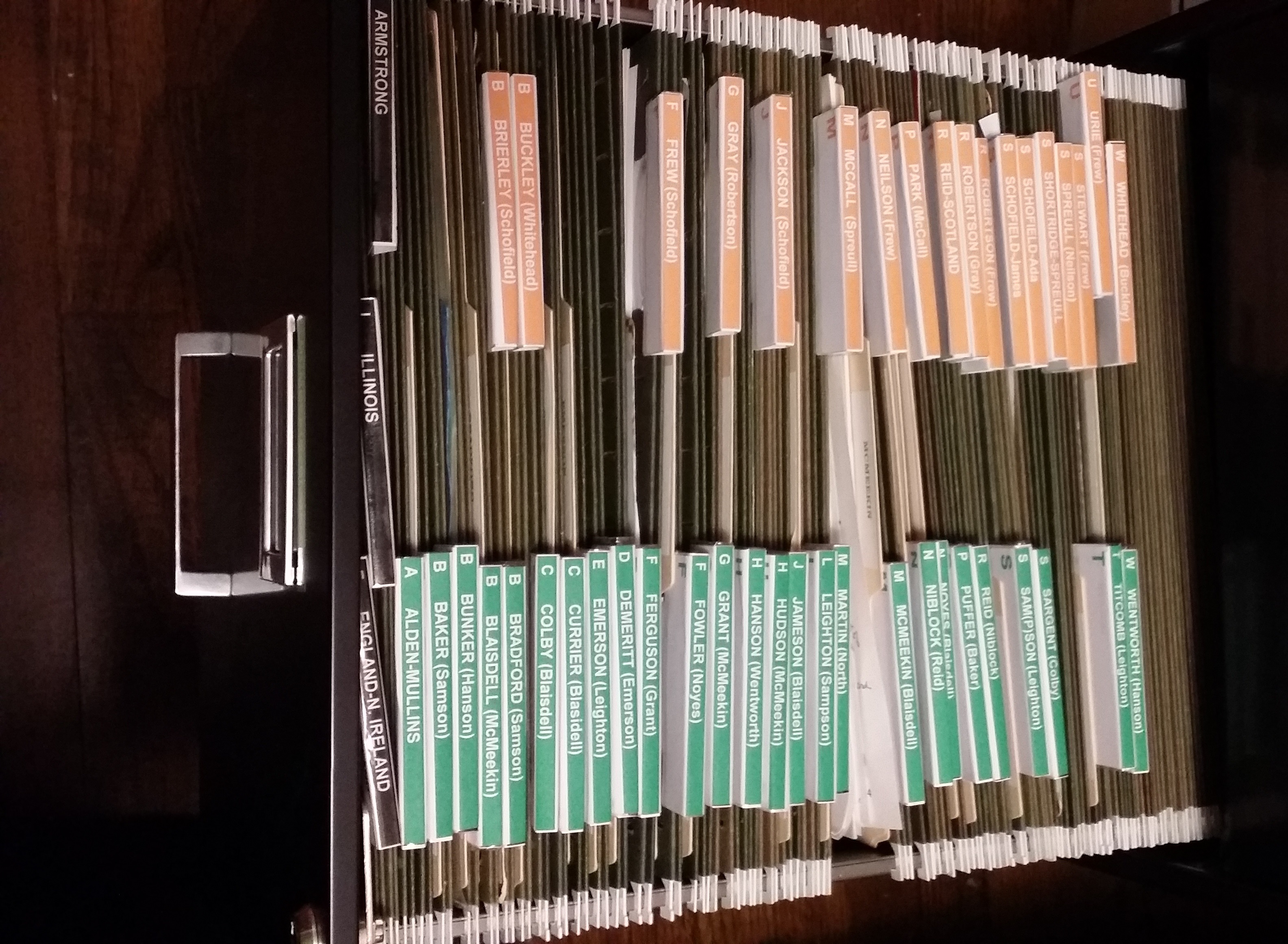
Maternal Family Files Maternal on left, Paternal on right SURNAME (SPOUSE)

 HONORED GENERATIONS